
Features
One app for bulk media production
Vidchestra turns a folder of images into individually finished videos, brands photos, videos and documents in bulk, and hands the results to your scheduling tool — all rendered on your own Windows PC.

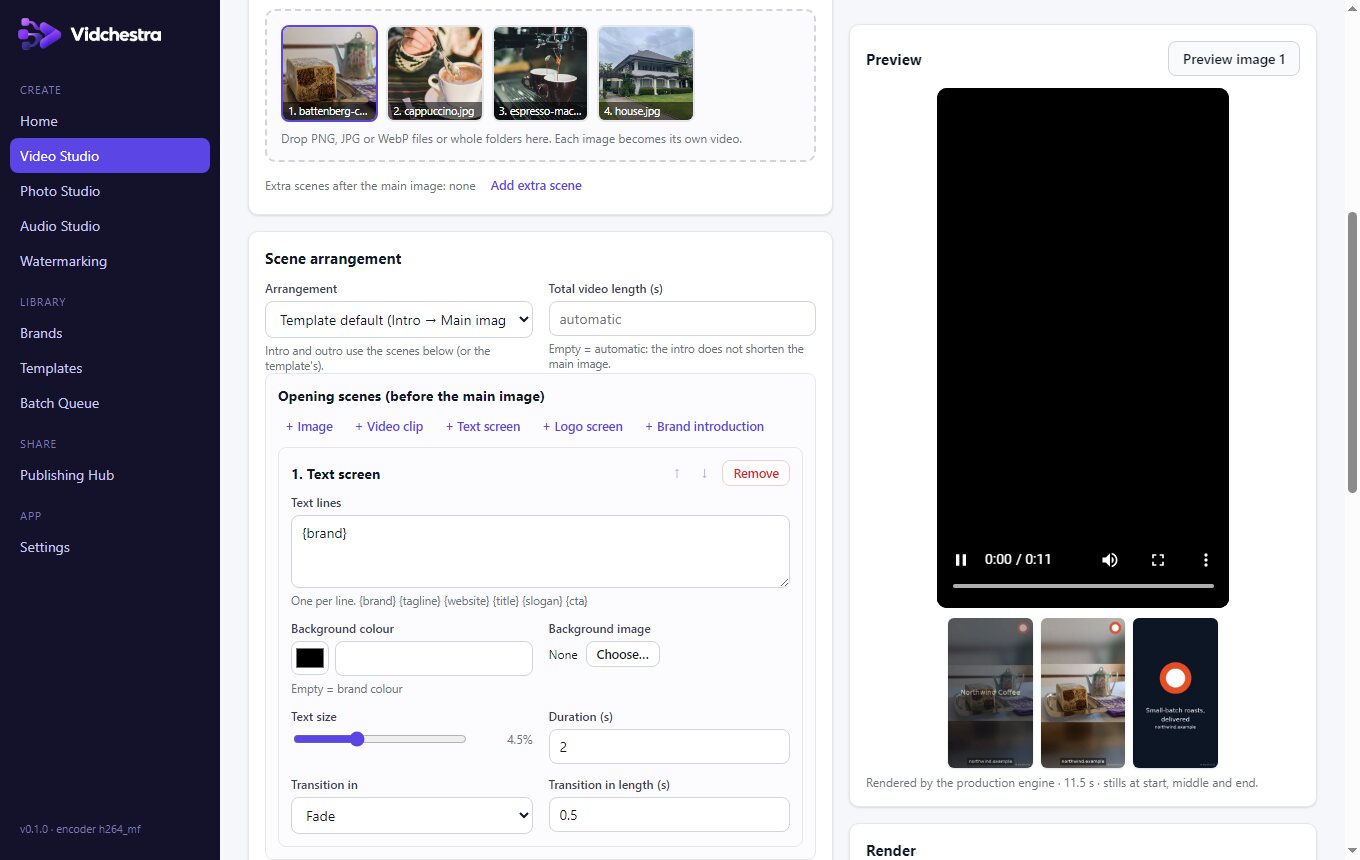
Batch Video Maker
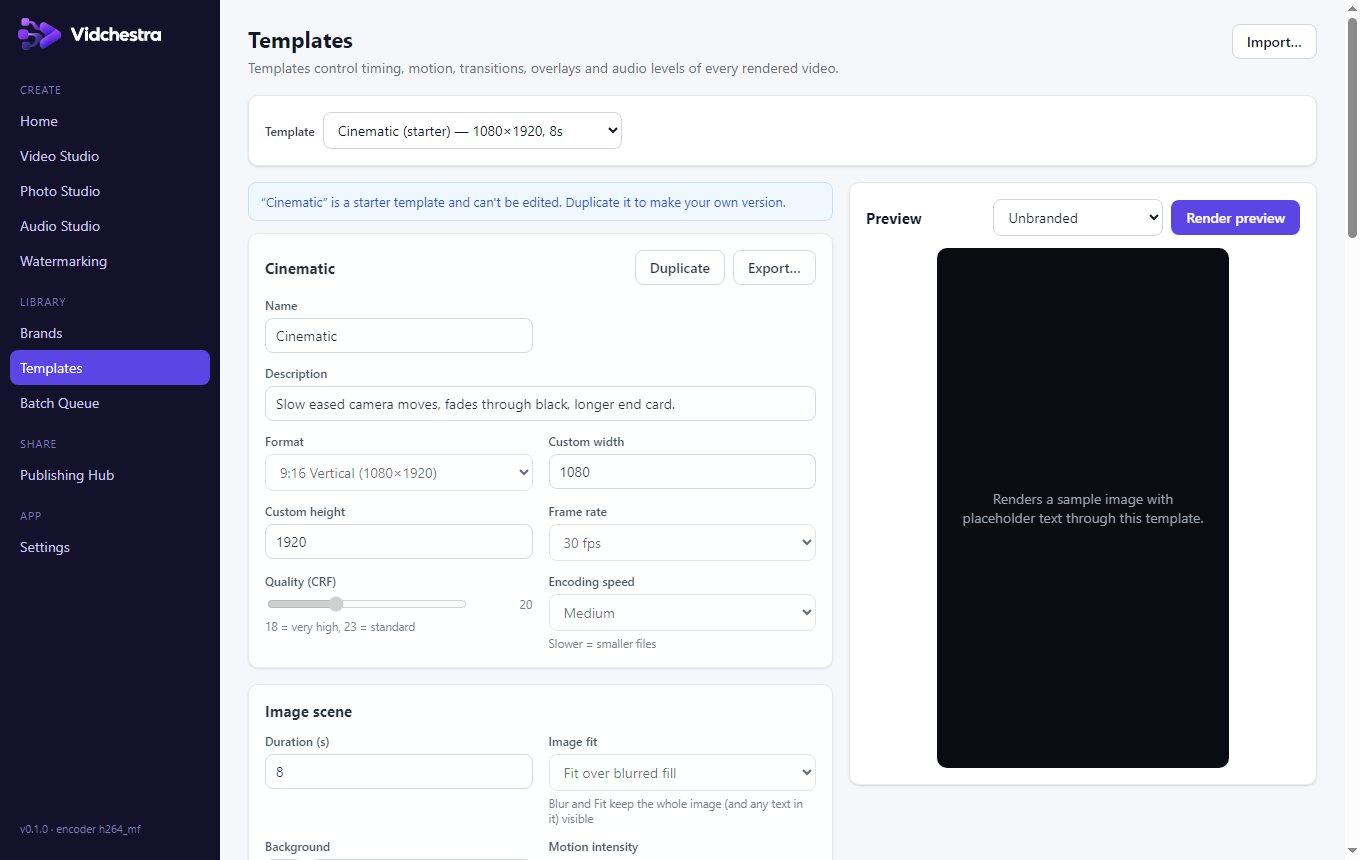
One image in, one finished MP4 out — for 10, 60 or 500 images. H.264 + AAC, 9:16, 1:1, 4:5, 16:9 or custom sizes, 24/30/60 fps.
Motion and scenes
Zoom, pan, Ken Burns and cinematic moves with adjustable intensity; intro, call-to-action and branded end-screen cards with fades and slide transitions.
Keeps your image intact
Fit-over-blurred-background keeps every pixel of the source visible, so text already printed on a product photo isn't cropped or covered.
Audio Studio
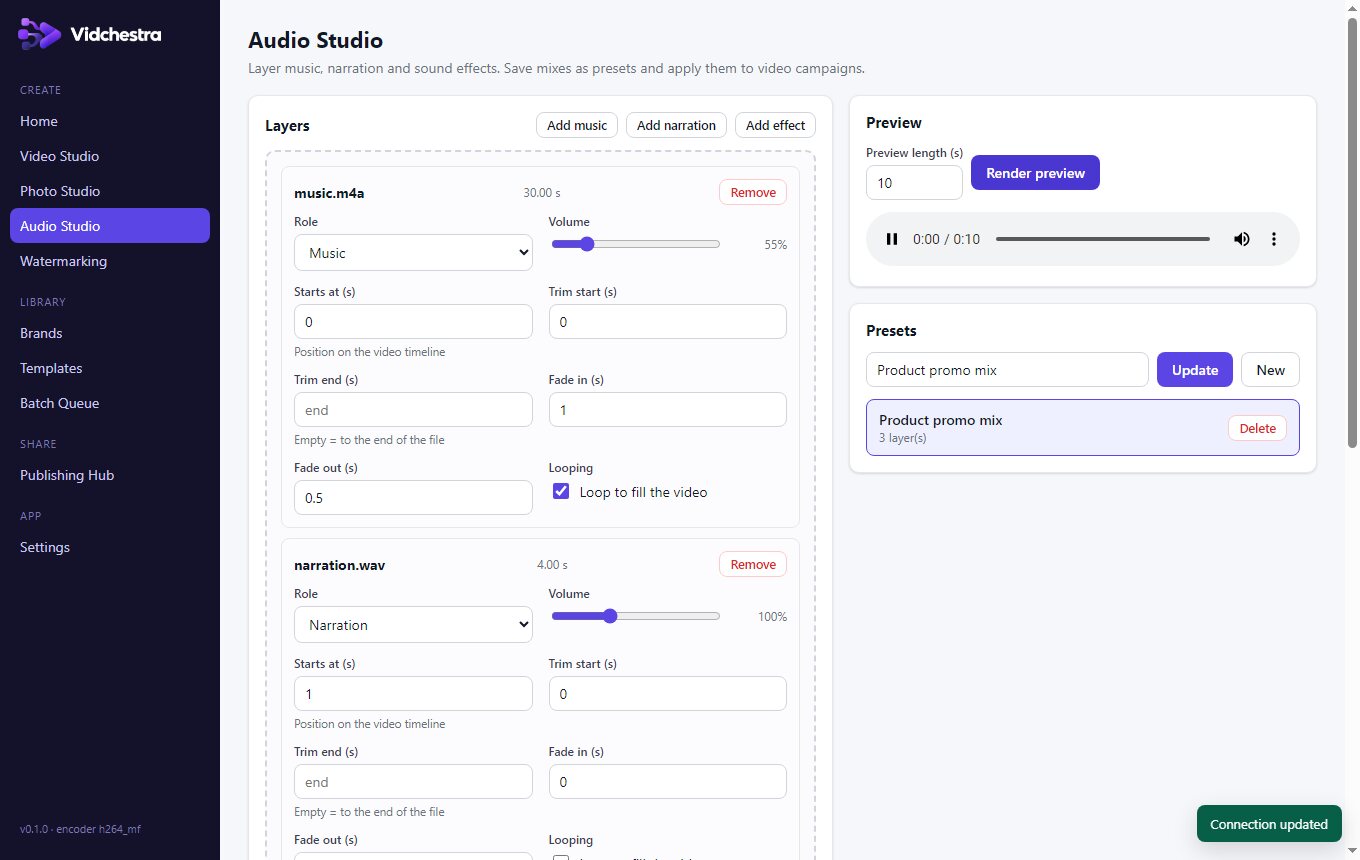
Music beds, narration and sound effects with volume, trimming, start times, looping, fades, loudness normalisation and a limiter that prevents clipping.
Photo Studio
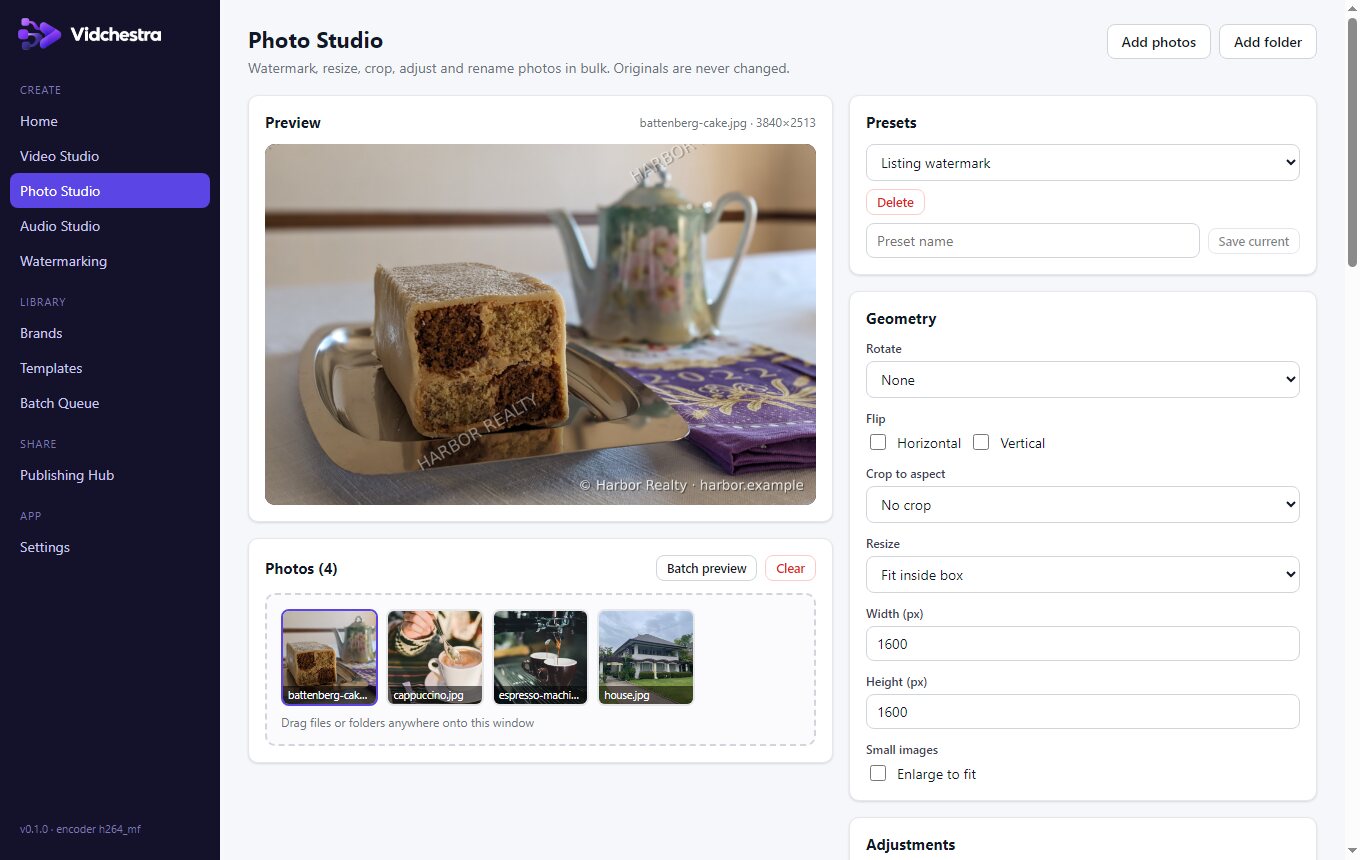
Text, logo, signature and tiled watermarks, resize, crop to aspect, rotate, brightness, contrast, filters, borders and batch renaming — originals are never modified.
Video & document watermarking
Brand existing videos while keeping their audio, frame rate and orientation; watermark PDFs (any page selection, tiling) and Word documents.
Brand profiles
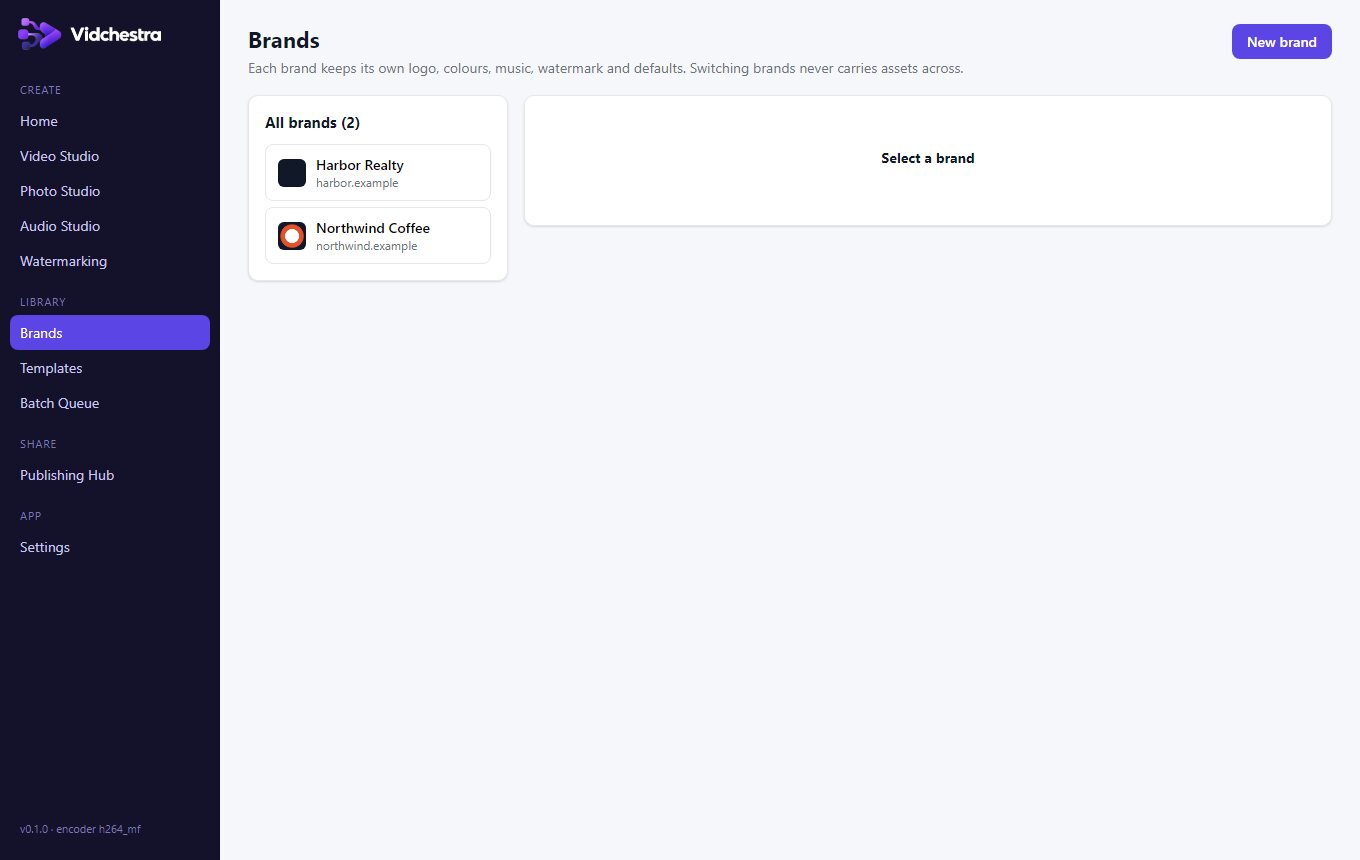
Logos, colours, fonts, watermark, soundtrack, end screen and export defaults per brand — strictly isolated so one brand's assets never leak into another's videos.
Persistent queue
Batches survive restarts and crashes, retry safely and never render the same output twice. Download results as ZIP with CSV/JSON manifests.
Publishing Hub
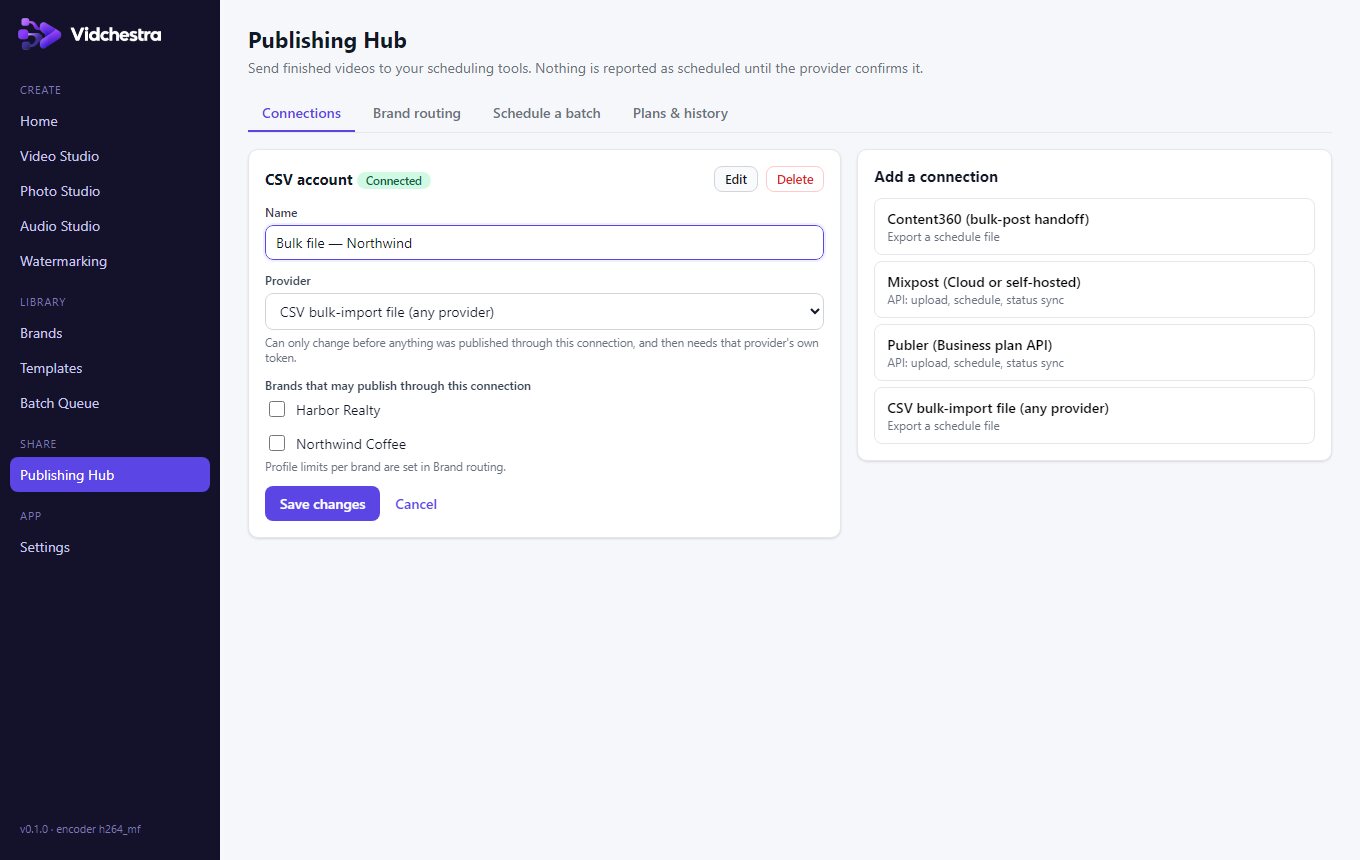
Send finished videos to Mixpost or Publer via their official APIs, or export a ready-to-import package for Content360 and any other scheduler.