Watermarking

Watermark photos, videos and documents in bulk

Protect and brand your media in one place — with the same controls for position, opacity, size and rotation across every format.

After: house listing photo with a tiled brand watermark and a corner creditBefore: house listing photo with a tiled brand watermark and a corner creditBeforeAfter
Photo Studio: tiled diagonal watermark at 45% opacity plus a corner credit, resized to 1200 px. Drag to compare.
After: frame of an existing video before and after adding a logo and text creditBefore: frame of an existing video before and after adding a logo and text creditBeforeAfter
Video watermarking: logo and credit added to an existing MP4 — same frame, before and after. Resolution, frame rate and audio are kept. · Play the watermarked video
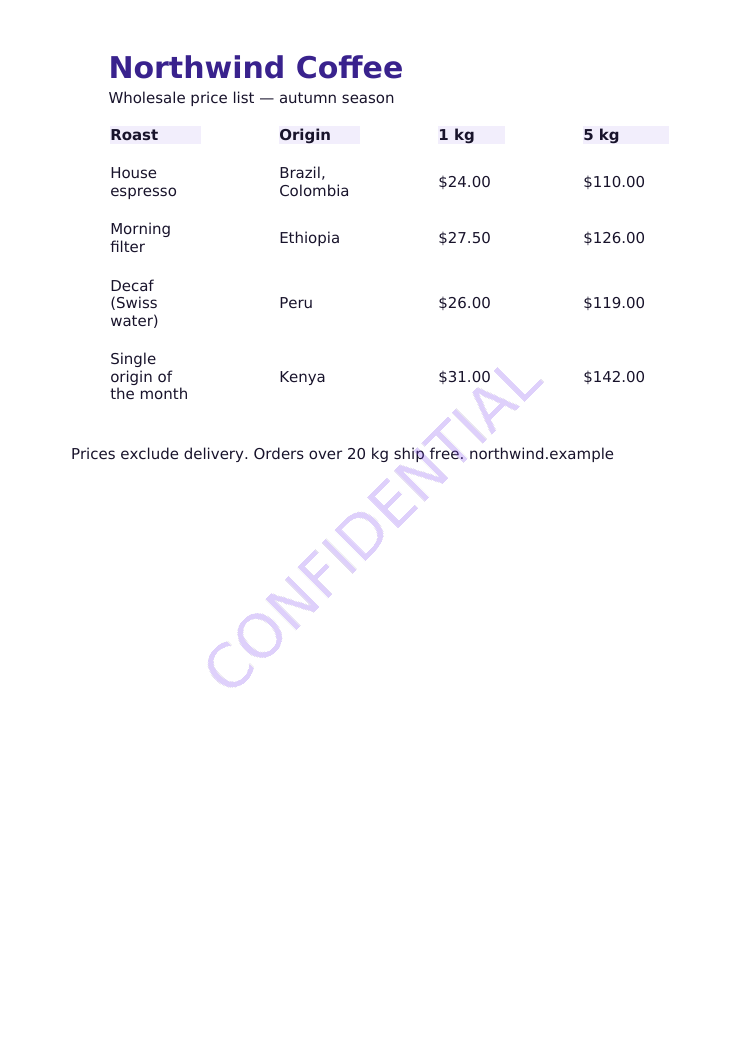
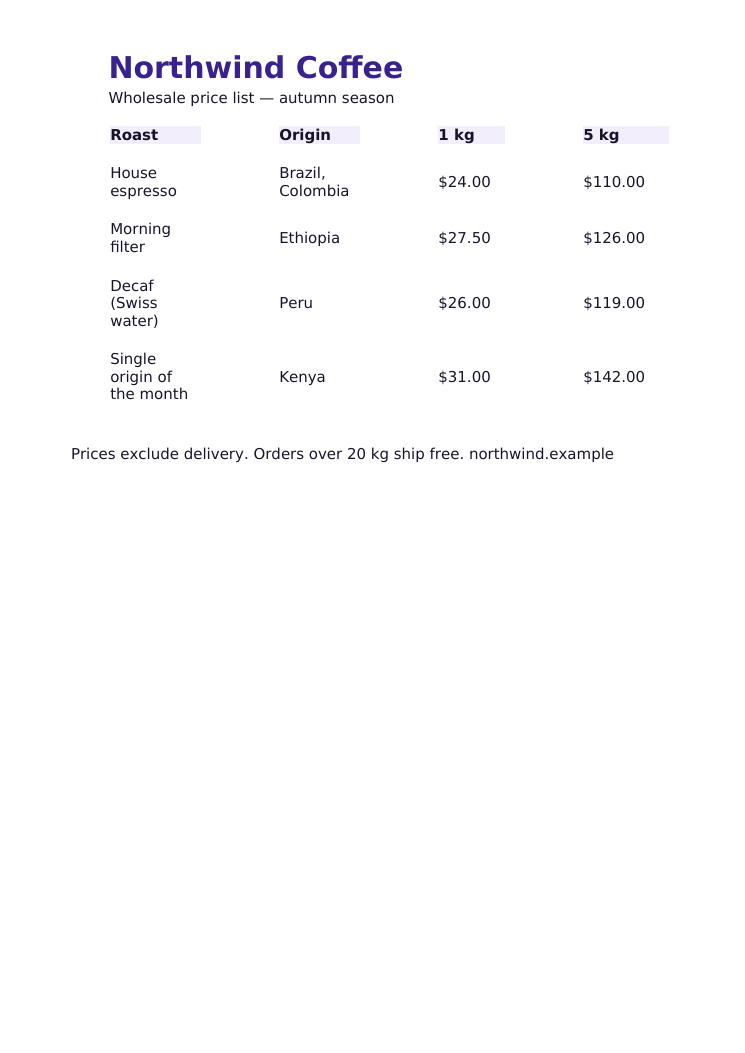
After: PDF price list before and after a diagonal CONFIDENTIAL watermarkBefore: PDF price list before and after a diagonal CONFIDENTIAL watermarkBeforeAfter
PDF watermarking: diagonal text on every page; the document's text stays selectable. · Open the watermarked PDF
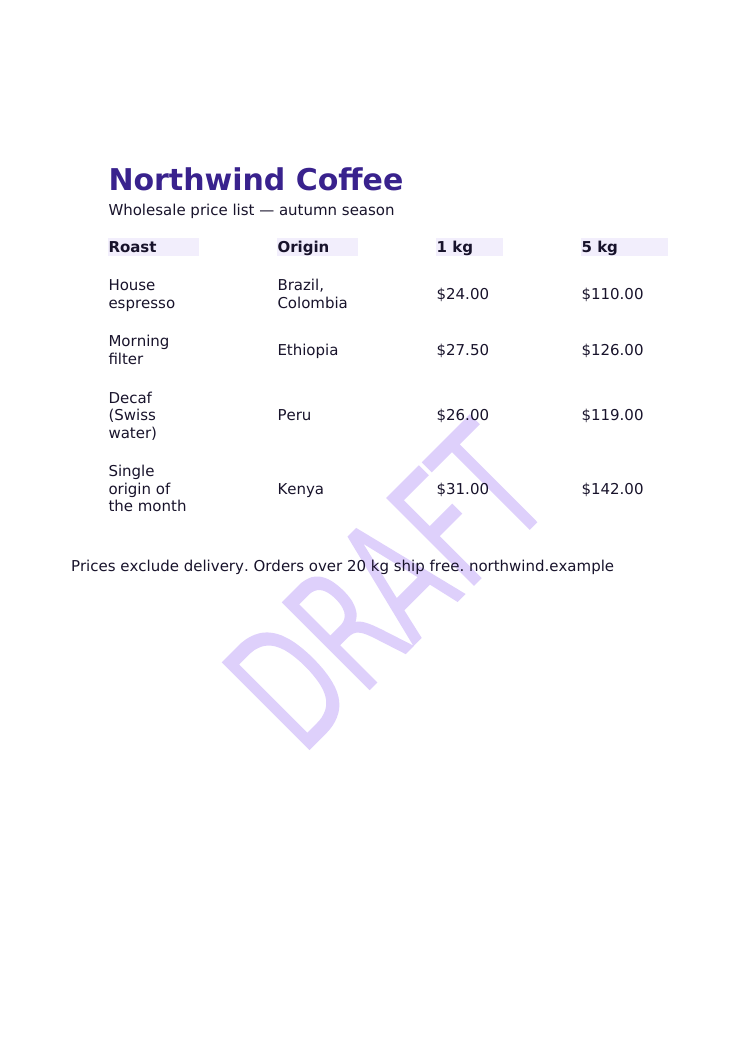
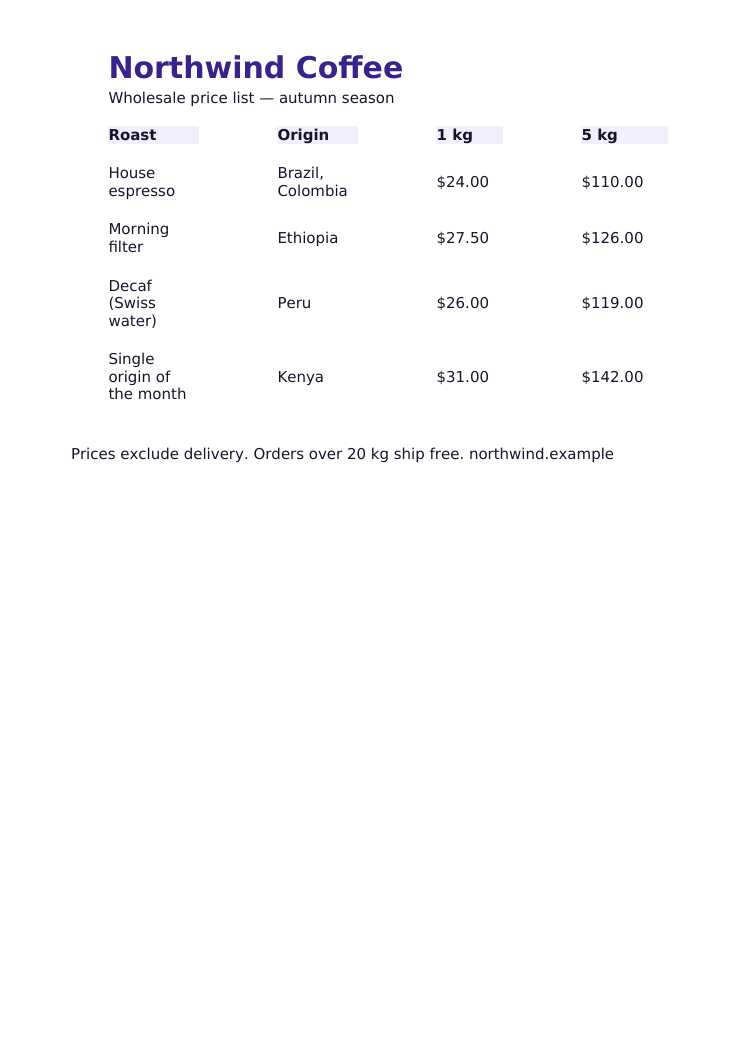
After: Word document before and after a DRAFT watermarkBefore: Word document before and after a DRAFT watermarkBeforeAfter
Word (DOCX) watermarking: the mark is placed in the document header so it appears on every page in Word (page shown rendered with LibreOffice). · Download the watermarked DOCX

Videos

Text and logo marks shown for the whole video or a time window, with fades. Audio is copied unchanged when possible; resolution, frame rate and rotation are preserved.

PDF

Marks on all pages or selected pages, centred, cornered or tiled, rendered at print resolution. Encrypted PDFs are refused instead of damaged.

Word (DOCX)

Uses Word's own header watermark, so it appears on every page in Word and LibreOffice.

Photos

Text, logo, signature and tiled watermarks for whole folders of images.