
Video Studio
Turn every image into its own finished video
Pick a brand and a template, drop in your images, and Vidchestra renders one complete MP4 per image — with motion, music, logo, website and a branded end screen.


Highlights
Four starter templates
Simple Social, Cinematic, Fast TikTok and Story/Reel — or build your own with exact timings, motions, transitions and overlays.
Real previews
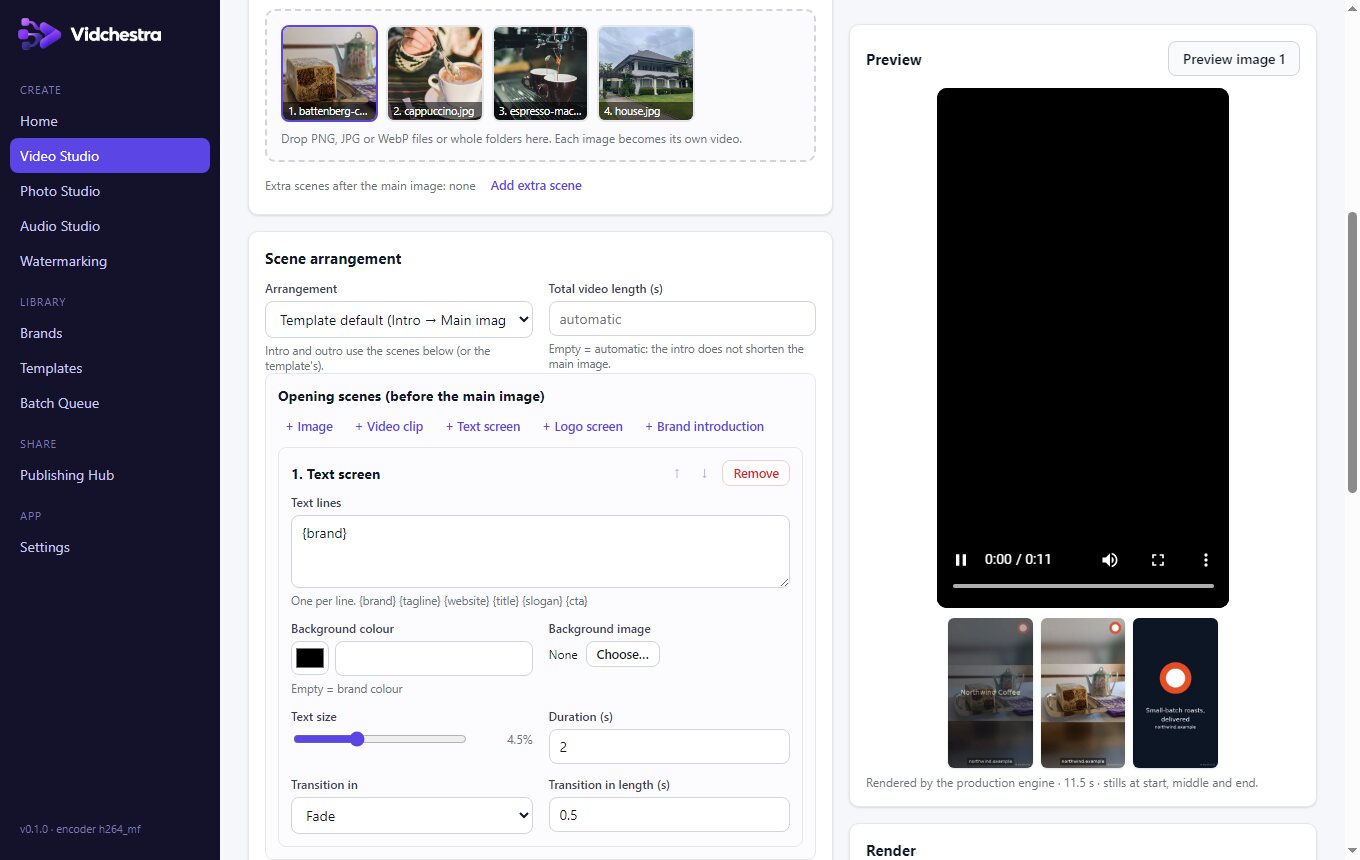
Preview any image through the same engine and settings as the final render, at reduced resolution.
Narration per video
Match voice-overs to images by file name or with a CSV manifest; long narration automatically extends that video.
Validated output
Every file is checked after rendering for codec, resolution, frame rate, duration and audio before it's marked done.
How it works
- Choose a brand and template
- Add images or a whole folder
- Preview one, then render the batch
- Download as ZIP or send to your scheduler