
Publishing Hub
Hand a whole batch to your scheduler
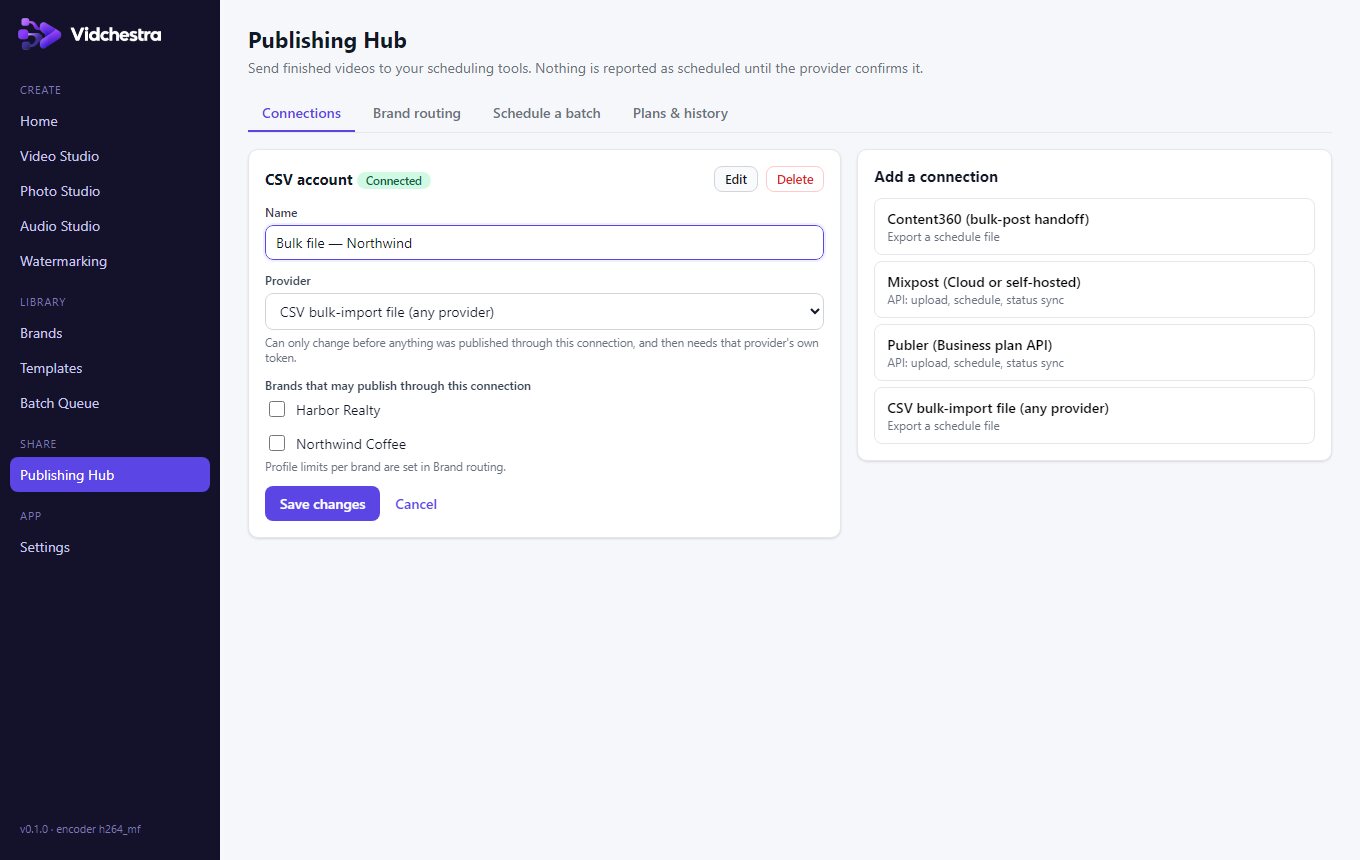
Two ways to get finished videos into your posting schedule: API scheduling through your own Mixpost or Publer account, or a ready-to-import file for Content360 and other schedulers that you upload with their bulk-import tool.
Highlights
Mixpost and Publer: API scheduling
Implemented using each provider's official API — connect your own account with an access token or API key, choose profiles, captions and times, and Vidchestra uploads the videos and creates the scheduled posts. Publer's API needs a Publer Business plan. These integrations are tested against simulated provider APIs; check your first posts in the provider.
Content360 and others: export file
Content360 has no public API, so Vidchestra does not post to it. Instead it exports the videos, a CSV/schedule sheet and step-by-step instructions; you upload them with Content360's own bulk-import tool and approve the posts there. The same export works for any scheduler with CSV bulk import.
Multi-account, multi-brand
Several accounts per provider and strict brand routing, so Brand A's videos can't be sent to Brand B's profiles.
Confirmed, not assumed
For API providers, a post is shown as scheduled only after the provider returns it as scheduled; interrupted requests are reconciled before any retry, so posts aren't duplicated. Exported posts stay marked “Exported” until you import them.
Your tokens stay on your PC
Access tokens are stored in Windows Credential Manager, never on Vidchestra's servers.
Questions
Does Vidchestra post to Content360 automatically?
No. Content360 has not published an API, so Vidchestra prepares an import file and the videos for Content360's bulk-import tool. You complete the import in Content360.
Which plan includes the Publishing Hub?
Pro. It needs the Windows app; you also need your own account with the scheduler you use.